Daily riders
Book a seat in advance and see when the bus will reach your stop.
Riders pick a route and seat, pay online, follow the bus on a map and show a QR ticket. Operators see every bus on one console.
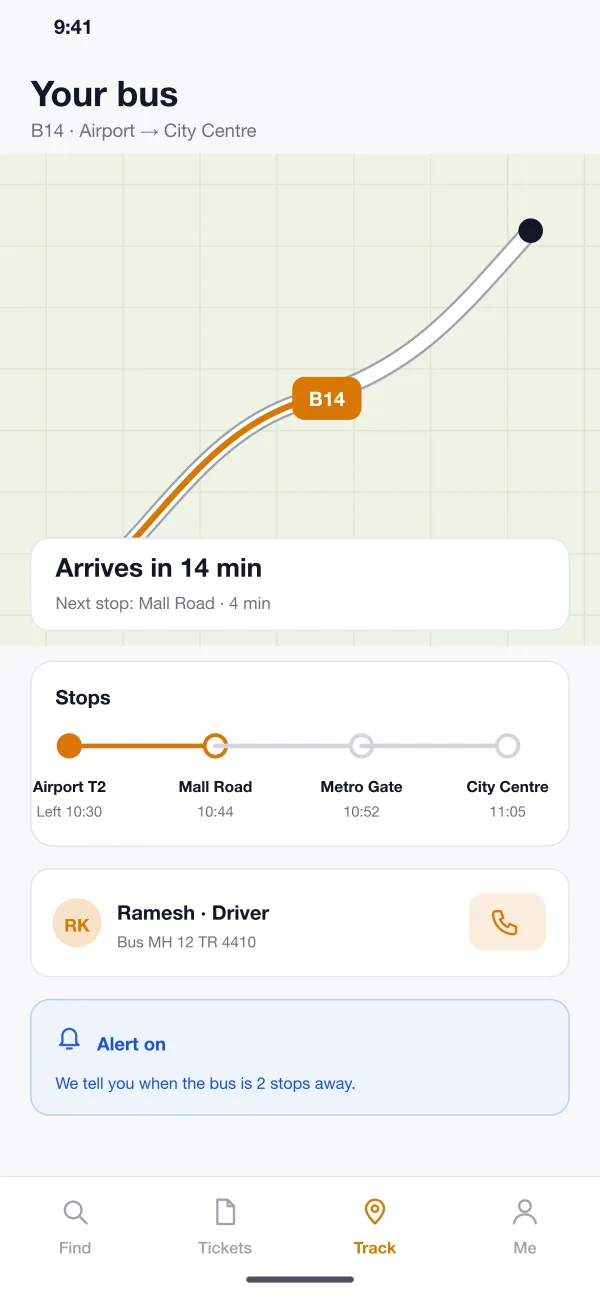
Seats already sold are greyed out, so no two riders get the same seat.
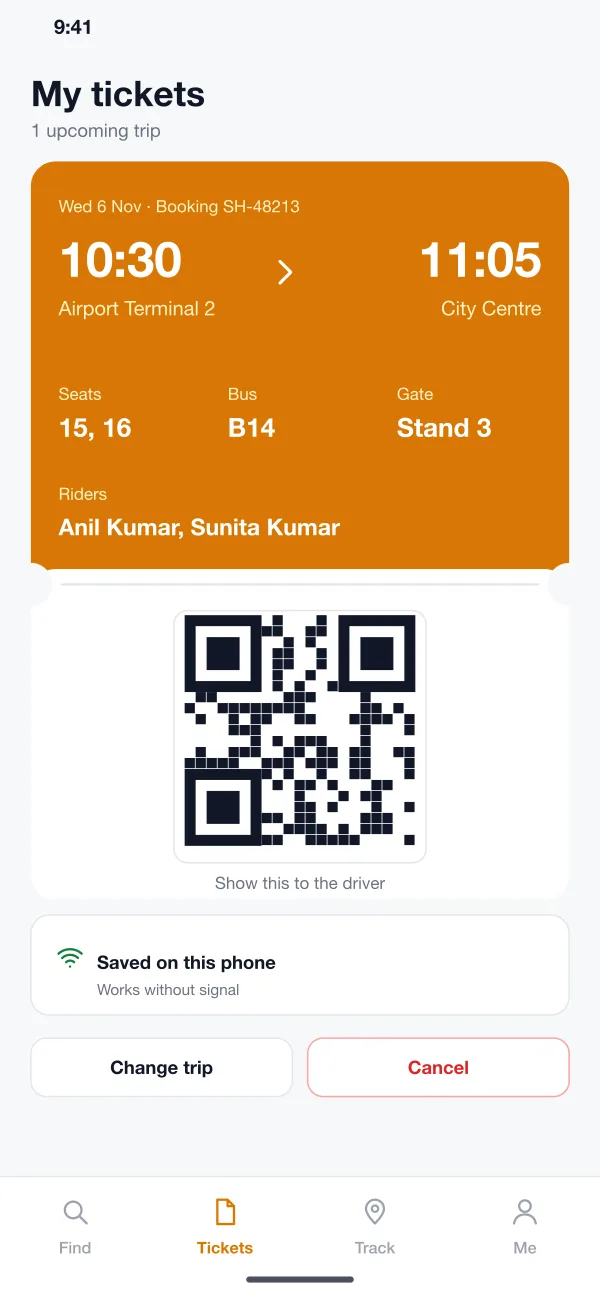
The QR ticket is saved on the phone, so it works without signal.
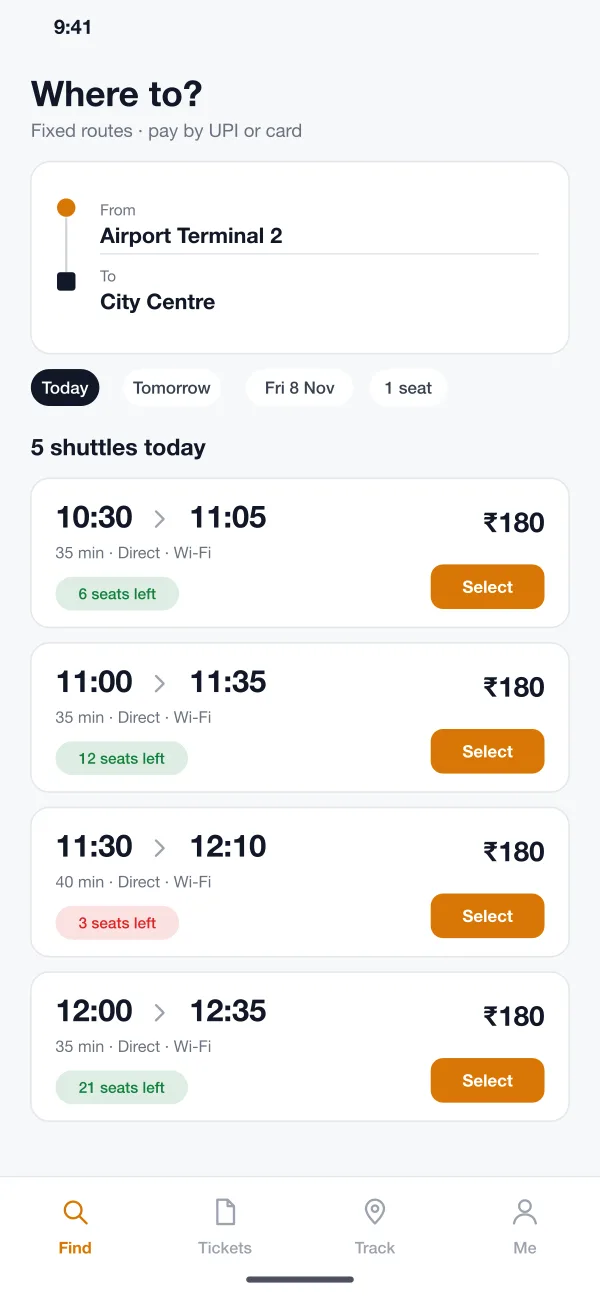
The map shows the bus and the stops left, with an alert when it is close.
We designed Shuttlo as a rider app, a simple driver view and a web console for the operator. All three work from the same trip and seat records.
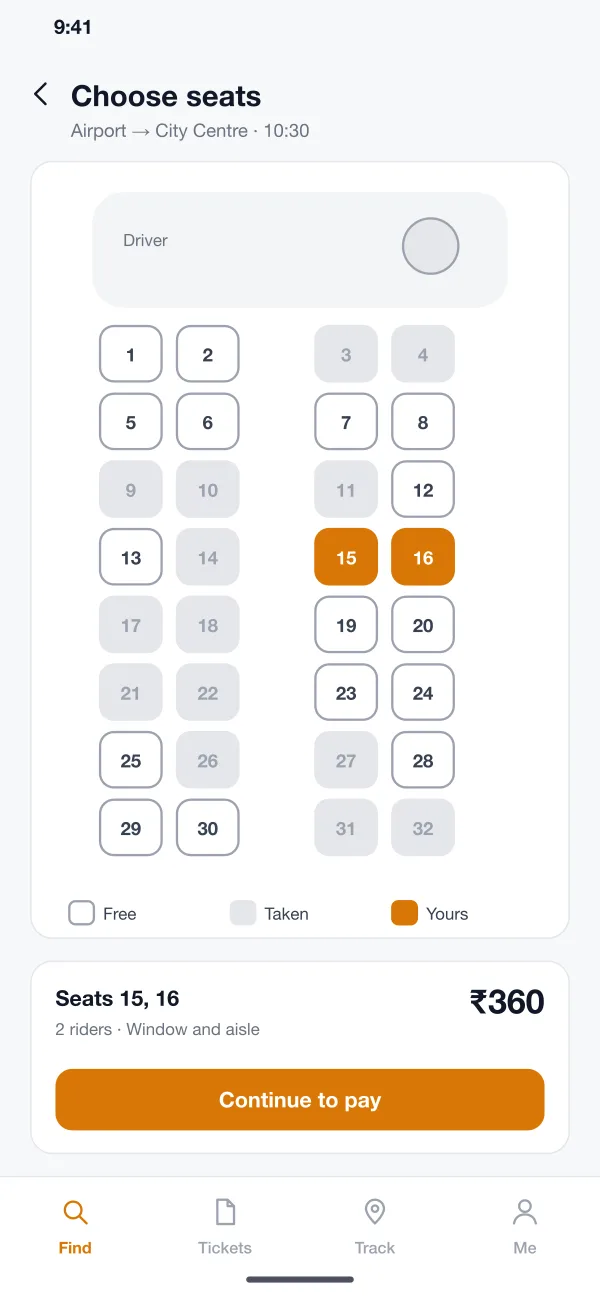
The rider picks a start, an end and a day. The app lists the shuttles that run that way, with time, journey length, seats left and fare.
The rider sees the bus layout, taps free seats and sees the total. Seats already sold are greyed out, so two people never get the same seat.
The rider pays by UPI or card and gets a ticket with a QR code. It is saved on the phone and works without internet.
The map shows the bus, the stops left and the driver name. The rider can switch on an alert for when the bus is two stops away.
The driver scans each QR code at the door. The app shows a green tick, the seat number and how many riders are still to board.
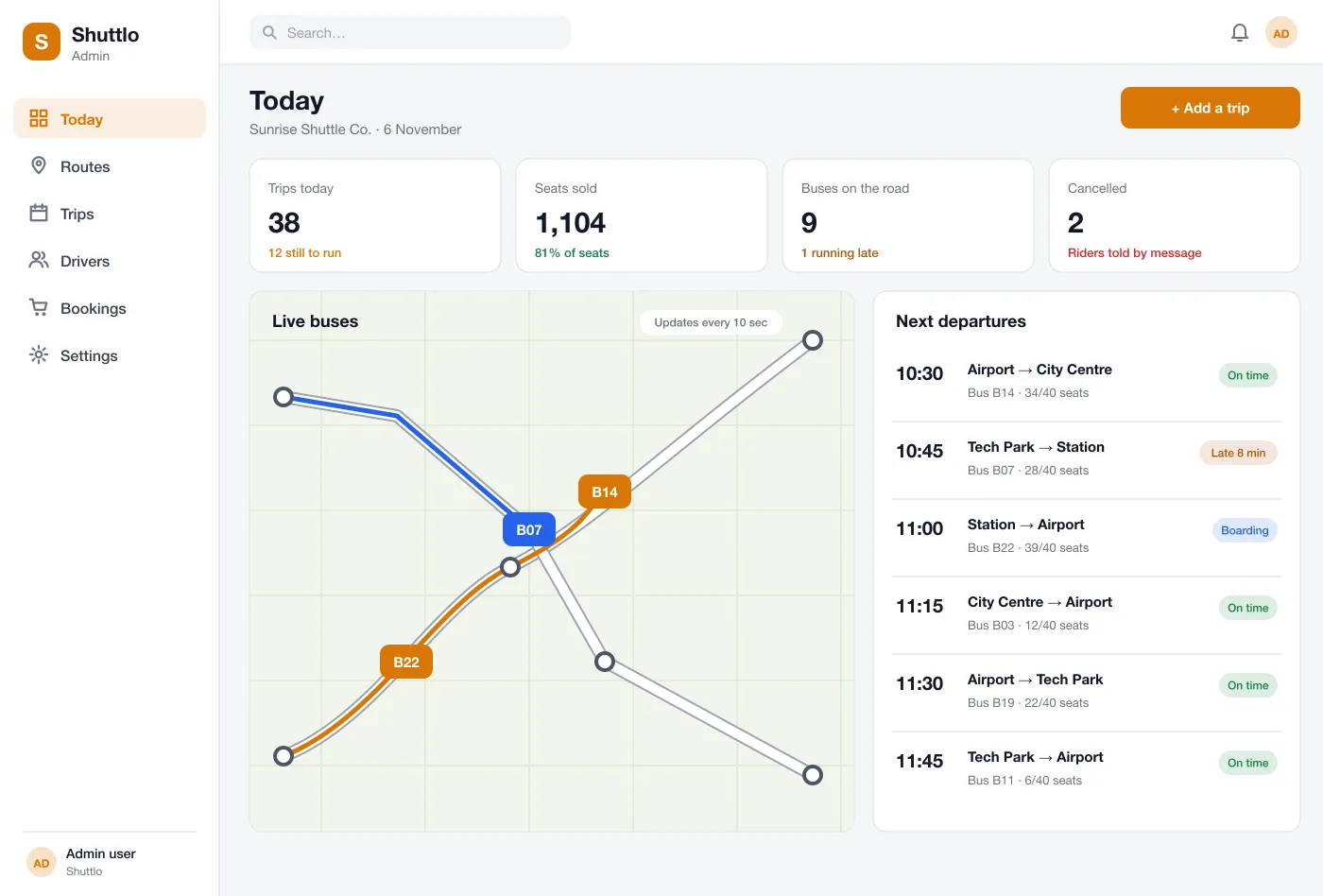
The team sees all buses on a map, seats sold for each trip, late buses and cancellations. They can add a trip, swap a bus or cancel, and riders are told by message.
Operator console: every bus on the road, seats sold and trips that need attention
Book a seat in advance and see when the bus will reach your stop.
Scan each ticket at the door and see how many riders are still to board.
See every bus, seats sold and late trips, and tell riders about changes.
The rider searches a route, picks seats on the map, pays and gets a QR ticket within a minute.
Instead of standing at the stop, the rider watches the bus move on the map and gets an alert when it is close.
The driver scans the ticket. If the phone has no signal, the saved ticket still works.
If a bus is late or a trip is cancelled, the operator marks it once. Every rider on that trip gets a message with the new time or a choice of another trip.
It is an app for buses that run on set routes at set times, like an airport shuttle or an office bus. Riders book a seat in advance and see where the bus is.
The main drivers are the number of apps (rider, driver, console), live tracking, the seat map, payment and refund rules, and links to tools you already use. A first version with one city and fixed routes keeps the scope small.
Yes. We can build the rider app for Android and iOS, a driver view that scans tickets and shares the bus position, and the web console for your team.
The driver app sends the bus position every few seconds. Riders see the bus on a map with the time left to their stop, and get an alert when it is close.
The operator marks the trip in the console. Riders get a message at once and can pick another trip or ask for their money back, based on your rules.
Walk through the rider app and the operator console.