Up In Smoke Wraps
An age-gated online store for Up In Smoke Wraps, a Houston cigar-wrap brand
A brand website and online store for a new Houston maker of natural tobacco leaf wraps — built aroun...
Read itContent your team controls
A content platform built around section-based pages, so editors can build and change pages without waiting on a developer.
Last updated
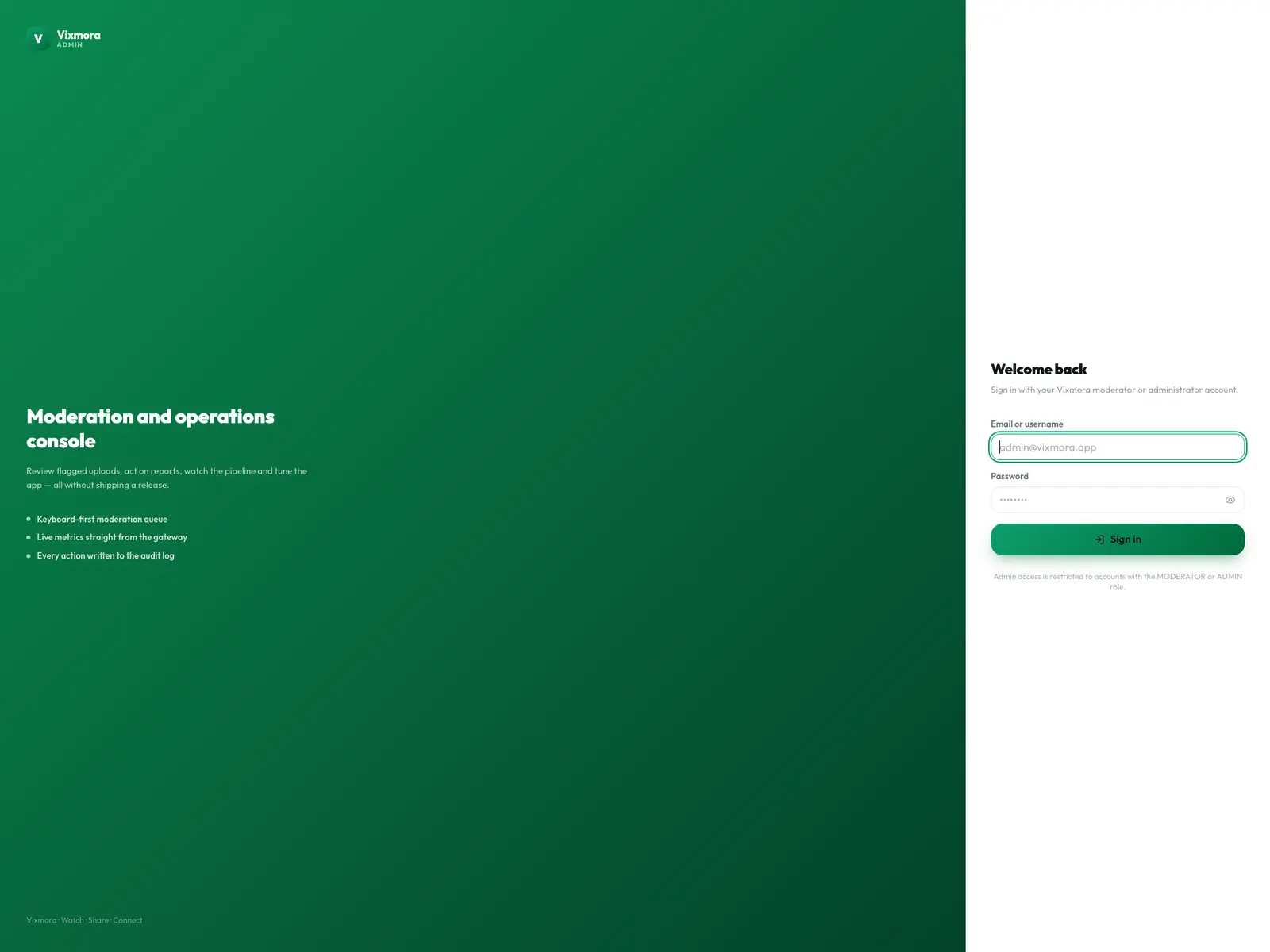
Editors stack pre-built sections — hero, feature grid, FAQ and more — into any page.
Run several brands from one admin panel, each with its own pages, menus and settings.
Header and footer navigation, including dropdowns, managed from the panel.
Categories, tags and scheduled publishing for ongoing content.
Meta tags, sitemaps and structured data generated automatically.
Give an editor access to their site's content without exposing everything else.
A CMS should let your editors do their work without waiting for a developer. We build the editing tools around your site, not the other way round.
We list the page types, who edits what, and how many sites or languages you need.
We design the section library and the editor screens. Your editors review how it will feel to use.
We build the admin panel and the public site, and import your existing content.
Your editors try real tasks, such as adding a page or scheduling a post. We fix what slows them down.
We go live, set up redirects from old URLs, and train your editors.
We fix bugs, add new section types and keep the platform updated.
Our CMS work is built on Laravel (PHP) with MySQL. Public pages can be server-rendered in Laravel or served through Next.js / React as a headless front end. For API-heavy products, a Node.js / NestJS service can sit alongside.
A custom CMS suits teams that publish often, run more than one site, or need editors with limited access. If your site has a few pages that rarely change, a simpler setup is enough, and we will say so.
Tired of waiting on a developer for every change? Send us a short brief and we will reply with questions and a plan.
If you also need the public site designed and built, see our website development service.
This website — and the other brands run alongside it — are built on our own multi-site CMS: one Laravel application, one admin panel, one content model shared across every site it serves.
Tell us how your current site is managed — we can show you what a proper content platform replaces it with.
Why teams pick this
Section-based page builder
Multi-site & multi-brand support
Built-in SEO controls
The stack
Android and iOS apps built in Flutter and native code — from a first release through the v...
ExploreCorporate sites, web portals and headless front-ends that load fast, read well on search e...
ExploreCustom ERP systems that bring attendance, fees or billing, inventory and HR into one admin...
ExploreLet's talk cms development
A senior engineer reads every enquiry. You'll get a real answer — scope, risk and a number — within one business day.