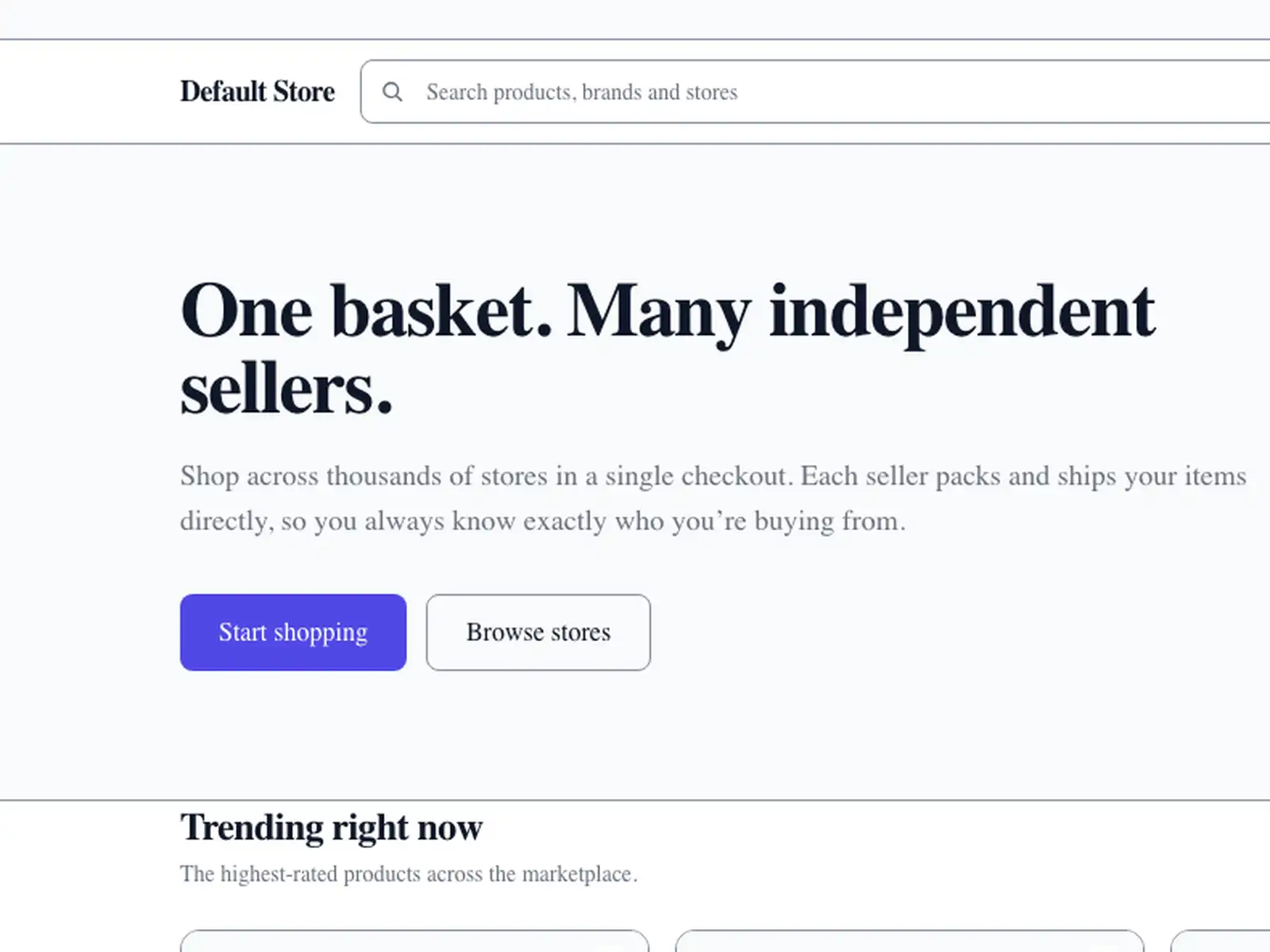
Up In Smoke Wraps
An age-gated online store for Up In Smoke Wraps, a Houston cigar-wrap brand
A brand website and online store for a new Houston maker of natural tobacco leaf wraps — built aroun...
Read itOperations in one system
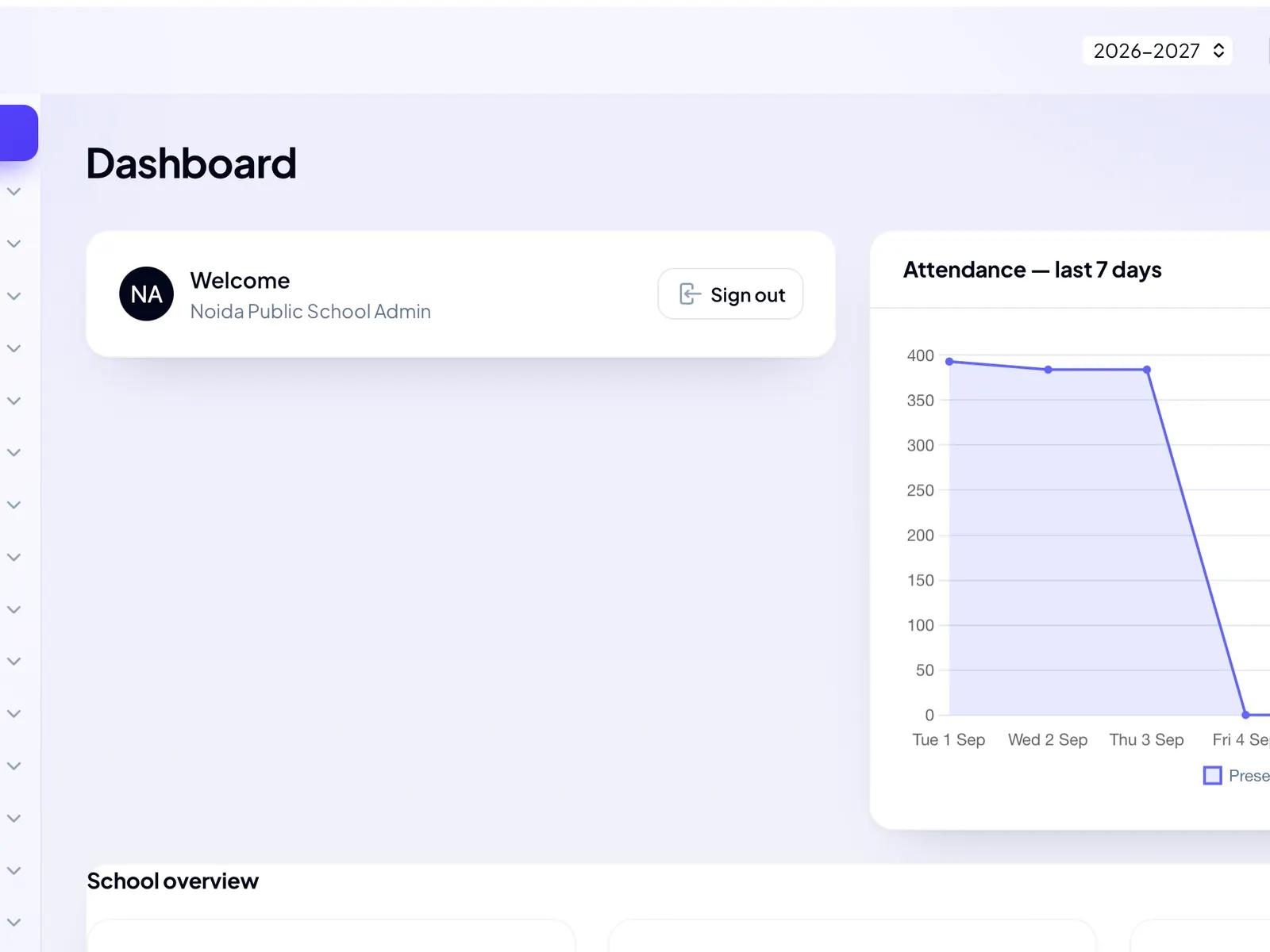
Custom ERP systems that bring attendance, fees or billing, inventory and HR into one admin panel instead of five disconnected spreadsheets.
Last updated
We map your current workflow before we design a single screen.
The core modules most operations need, configured to your rules.
Front-desk, accounts and management each see only what applies to them.
The numbers your managers actually check, in one place.
Connects to payment gateways, SMS/email providers and your existing tools.
Onboarding for your team and maintenance after go-live.
An ERP is a set of modules that share one database. We build only the modules your business uses, so you do not pay for or train on features you never open.
We map your current process step by step, including the spreadsheets and paper forms, and agree the modules for the first release.
We design the data model, screens and approval flows. Each department reviews its own part.
We build module by module, so your team can start testing the first one early.
We test with your real sample data, check tax and totals, and test every role and permission.
We move your opening data in, train staff and go live, often branch by branch.
We fix issues and add modules or reports as your business grows.
We build ERPs on Laravel (PHP) with MySQL, or on Node.js with NestJS and PostgreSQL. The web interface uses Laravel views or Next.js / React. Where staff work away from a desk, we add a Flutter app. Integrations connect to payment gateways, SMS, email and accounting tools.
An ERP suits businesses that run billing, stock, staff and reports in separate sheets and tools, and lose time reconciling them. It also suits businesses with a process that standard ERP products do not follow. We keep the first release small, so your team can start using it early.
Running your operations on spreadsheets? Send us a short brief and we will reply with questions and a plan.
Tell us what you're tracking manually — we'll tell you what an ERP module would look like.
Why teams pick this
Multi-branch & multi-role access
Fee/billing & inventory modules
Admin dashboards & reporting
The stack
Android and iOS apps built in Flutter and native code — from a first release through the v...
ExploreCorporate sites, web portals and headless front-ends that load fast, read well on search e...
ExploreLead capture, pipeline stages and follow-up tracking built around your actual sales proces...
ExploreLet's talk erp development
A senior engineer reads every enquiry. You'll get a real answer — scope, risk and a number — within one business day.