Open a shop
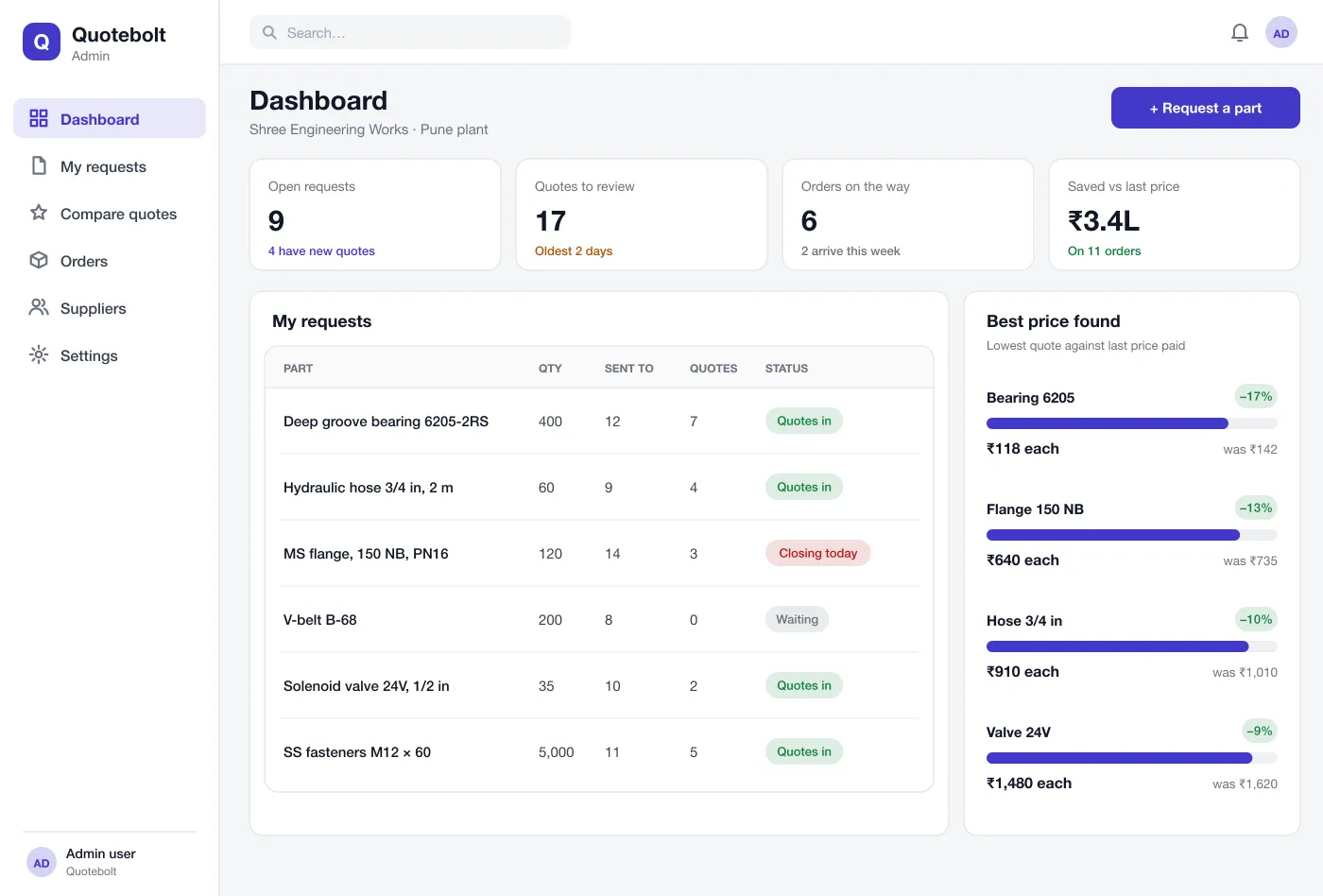
A seller adds a name, address, opening hours and a first few products. A guide shows what is left to do, and the shop can go live when the basics are done.
Kerbshelf is a local shopping app designed and built by our team. Small sellers open a shop in minutes, nearby buyers browse the stores around them, pay in the app and collect the order from the shop.
Kerbshelf was designed and built by the PRS CloudTech team.
The brief
Small local shops make good things: home food, books, flowers, crafts. But most of their customers are people who walk past. A shop that does not sell online is easy to forget.
Opening an online store feels like a big job for a small seller. Big marketplaces take a large cut and show shoppers goods from far away. Buyers want what is close, that they can collect today.
Easy for sellers
A seller with a phone should be able to open a shop and list a product in a few minutes.
Close to the buyer
Shoppers should see the shops around them first, with distance and opening hours.
Clear orders
The shop needs to see what to pack, in what order and when the buyer will arrive.
A safe handover
Buyer and seller should both know the order is paid and who is collecting it.
What we designed
We designed Kerbshelf as one platform with two sides. Sellers use a web console and an app. Buyers use an app that starts with what is nearby.
A seller adds a name, address, opening hours and a first few products. A guide shows what is left to do, and the shop can go live when the basics are done.
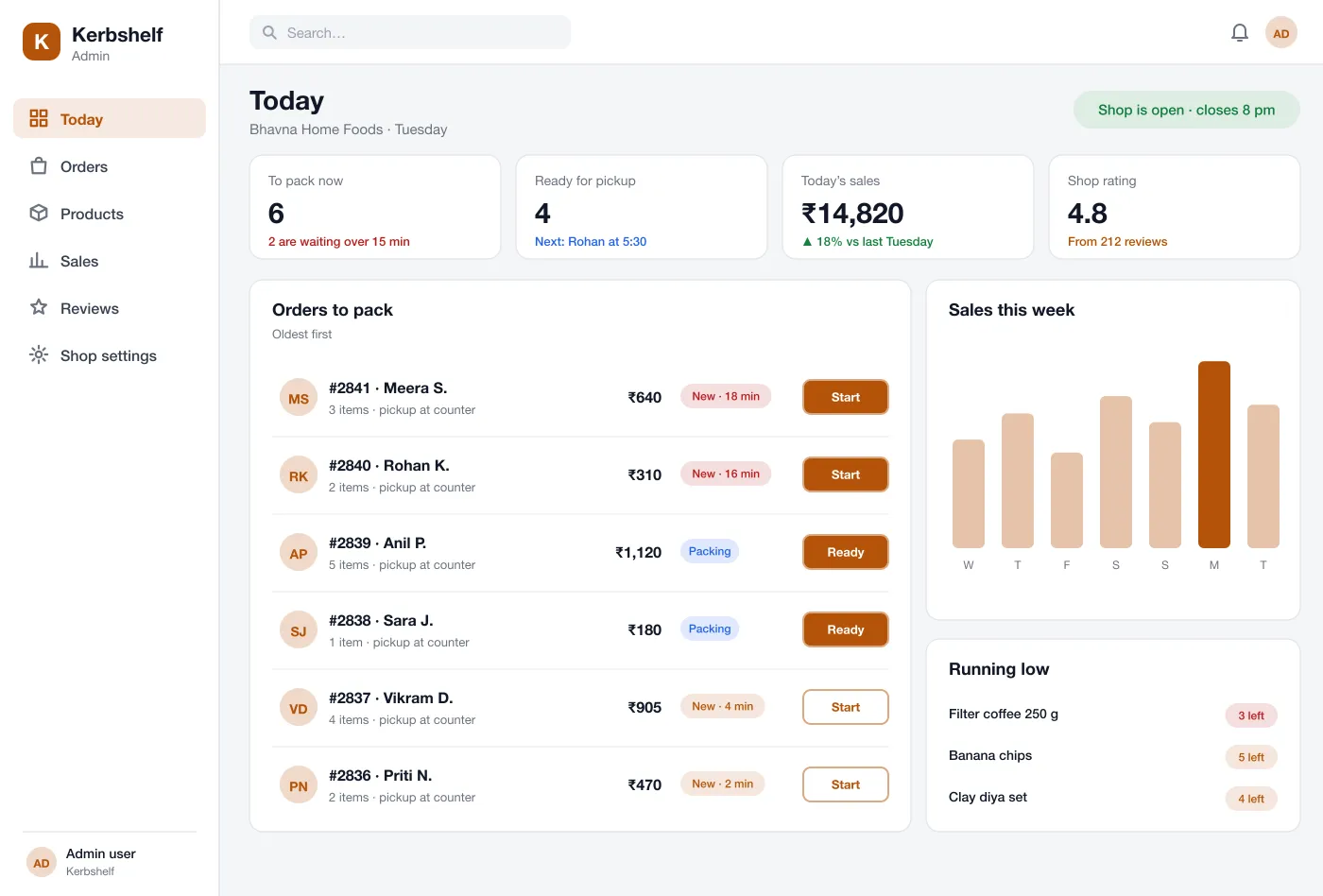
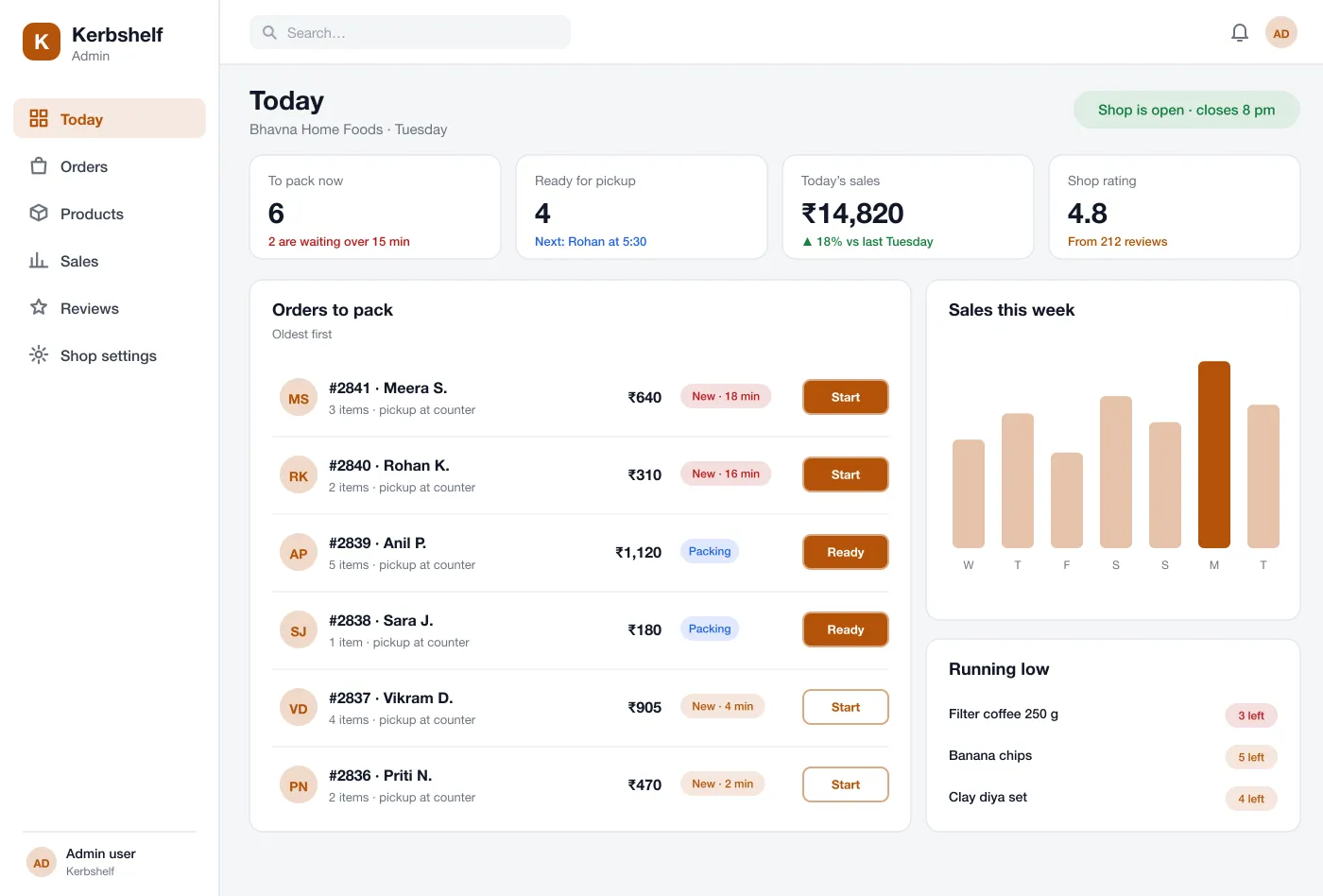
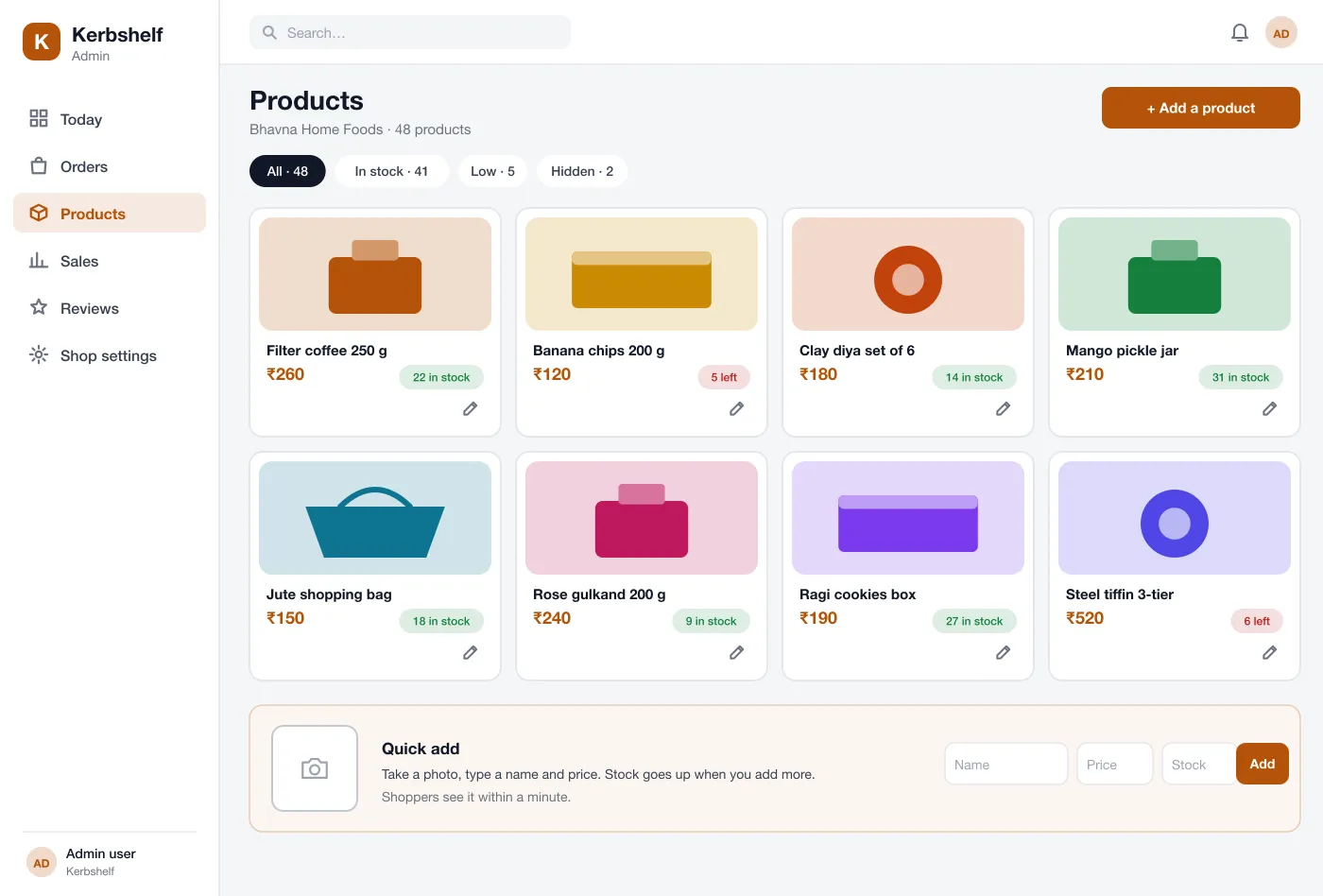
Each product has a photo, a price and a stock count. When stock runs low, the dashboard says so, so the seller can refill before it runs out.
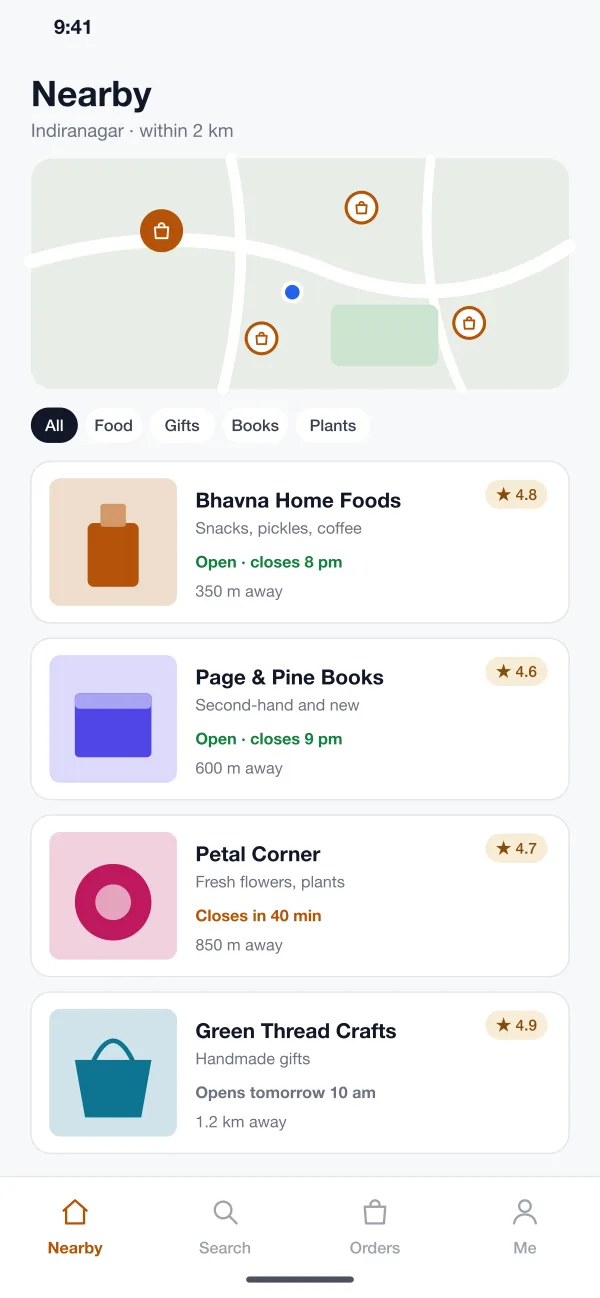
Buyers see a map and a list of open shops within walking distance. Each card shows how far it is, when it closes and what it sells.
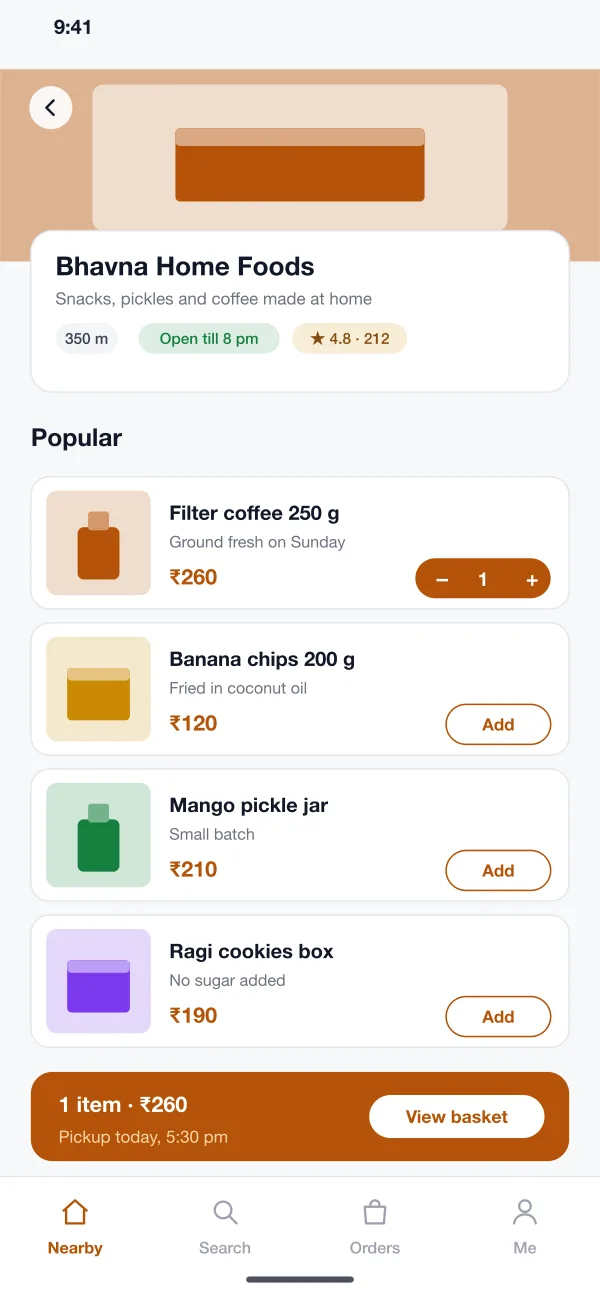
The buyer adds items from one shop, chooses a pickup time and pays by UPI. The shop gets the order at once.
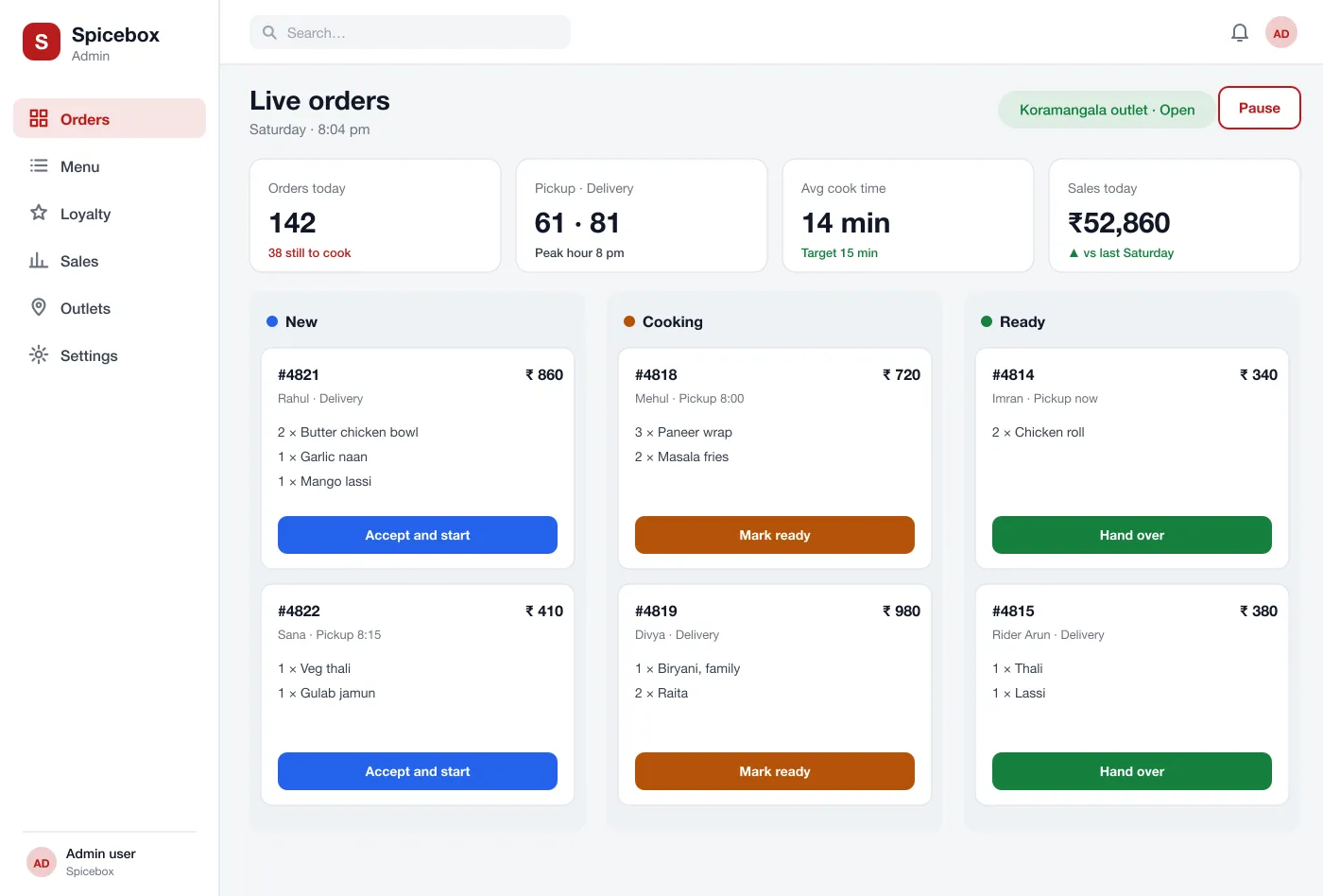
The shop sees new orders, oldest first. It taps Start to pack and Ready when done, and the buyer is told at each step.
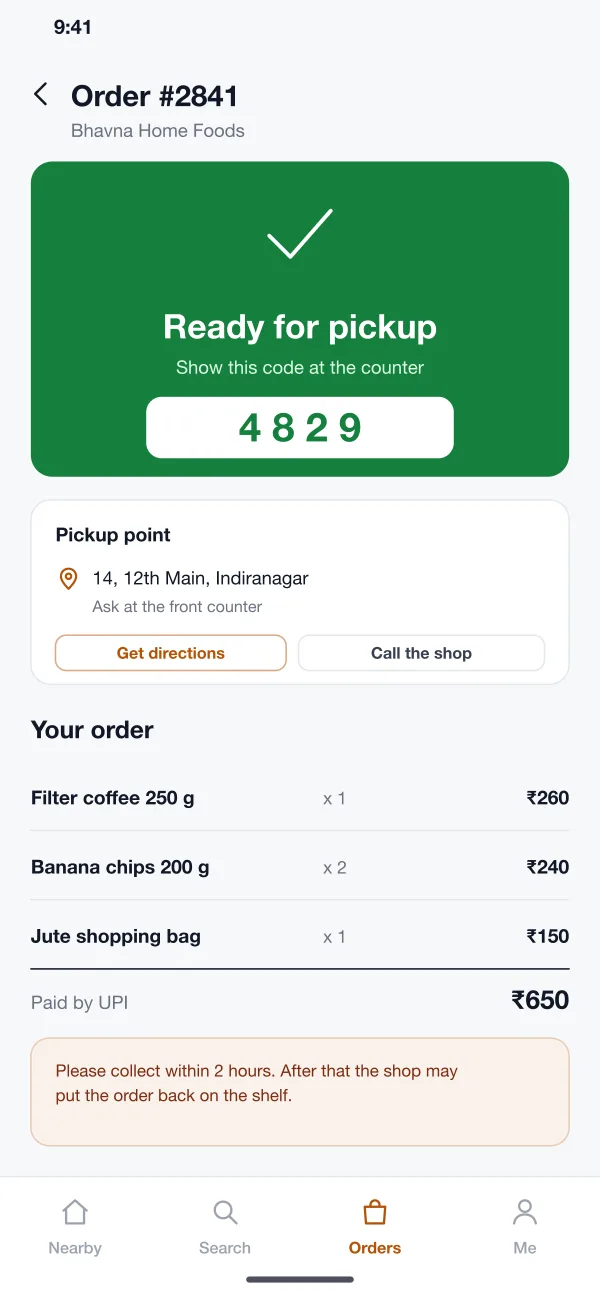
The buyer shows a four-digit code at the counter. The shop checks it and marks the order as collected.
Screens
The mobile app
How it works
Here is how the main tasks work, from a new shop to an order in the buyer’s hands.
Open a shop
A seller signs up, adds the shop details and ten products, and goes live in the same afternoon.
Find a shop
A buyer opens the app, sees nearby shops, picks one and adds items to a basket.
Pack the order
The shop sees the order, packs it, taps Ready and the buyer gets a message with the code.
Collect it
The buyer walks over, shows the code, takes the bag and can leave a review.
Suggested technology
What we would deliver
FAQ
It lets people order from small shops near them and collect the order themselves. The shop gets the order on a screen, packs it and tells the buyer when it is ready.
The main drivers are how many apps you need, the payment and payout setup for sellers, whether you add delivery as well as pickup, and how much the seller console must do on day one.
Yes. We can build the seller console, the buyer app for Android and iOS and the admin for you, with payments set up for your country.
The seller adds the shop name, opening hours and address, then adds products with a photo, a price and a stock count. A shop can go live the same day.
When the shop marks the order ready, the buyer gets a message and a short code. They show the code at the counter and take the order.
Tell us who will use it and what it must do. We will reply with a plan, a timeline and a price.