Shift checklists
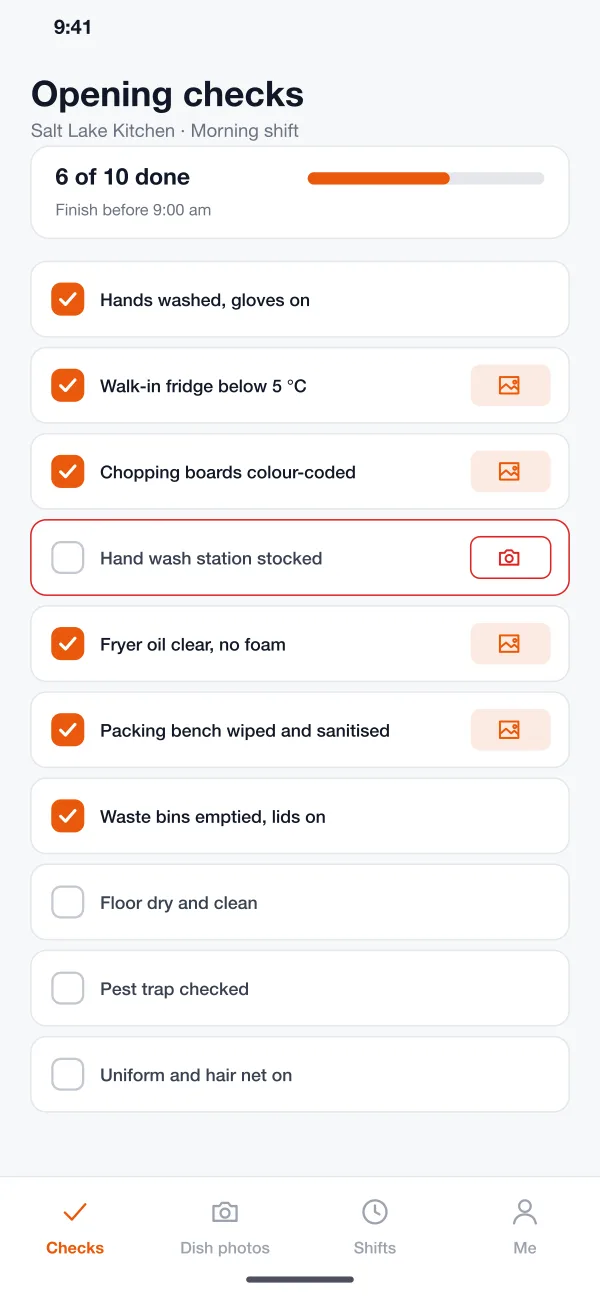
Each shift starts with a list, such as opening, mid-shift and closing checks. Staff tick the items, and the app shows how much is left and by what time it must be done.
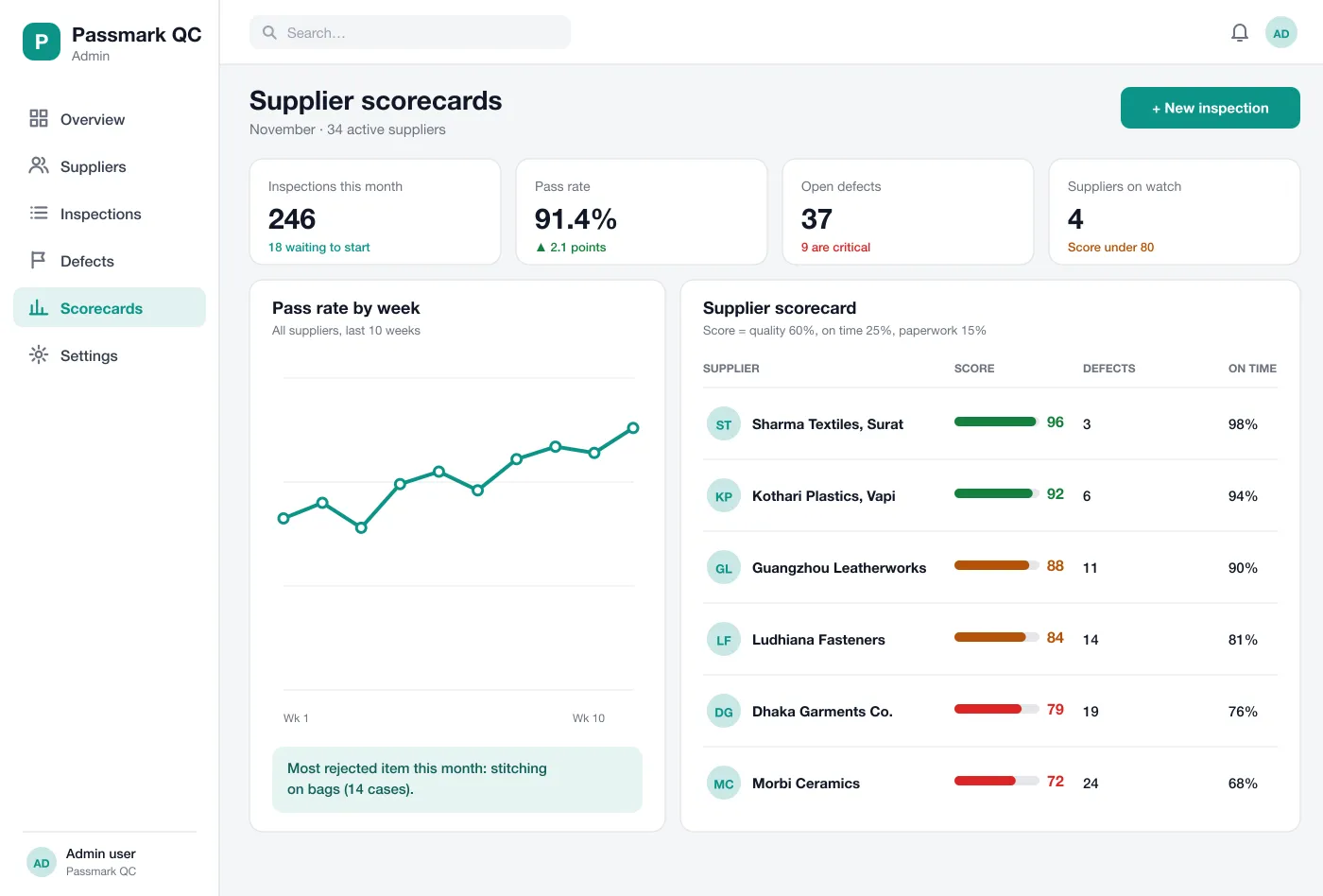
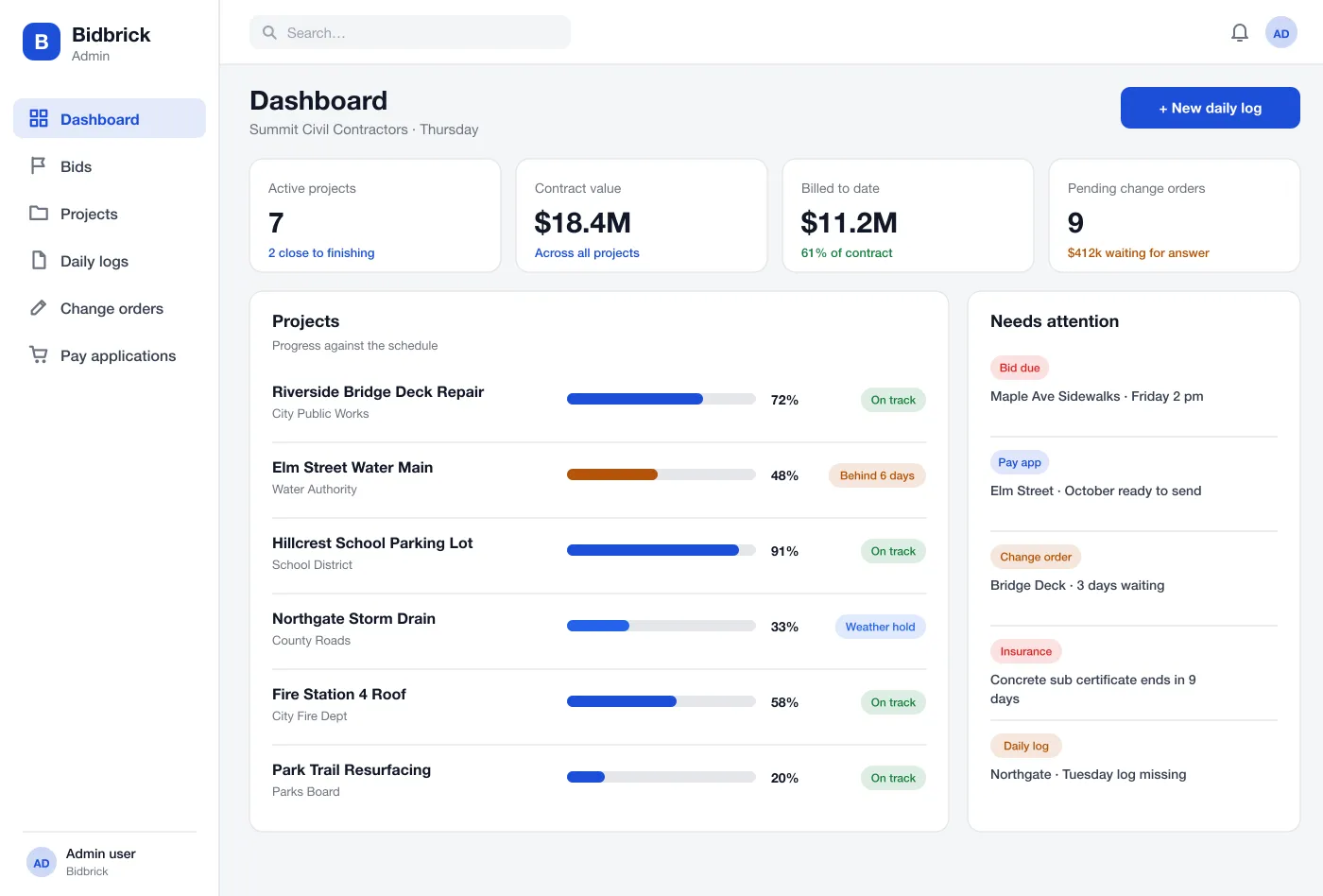
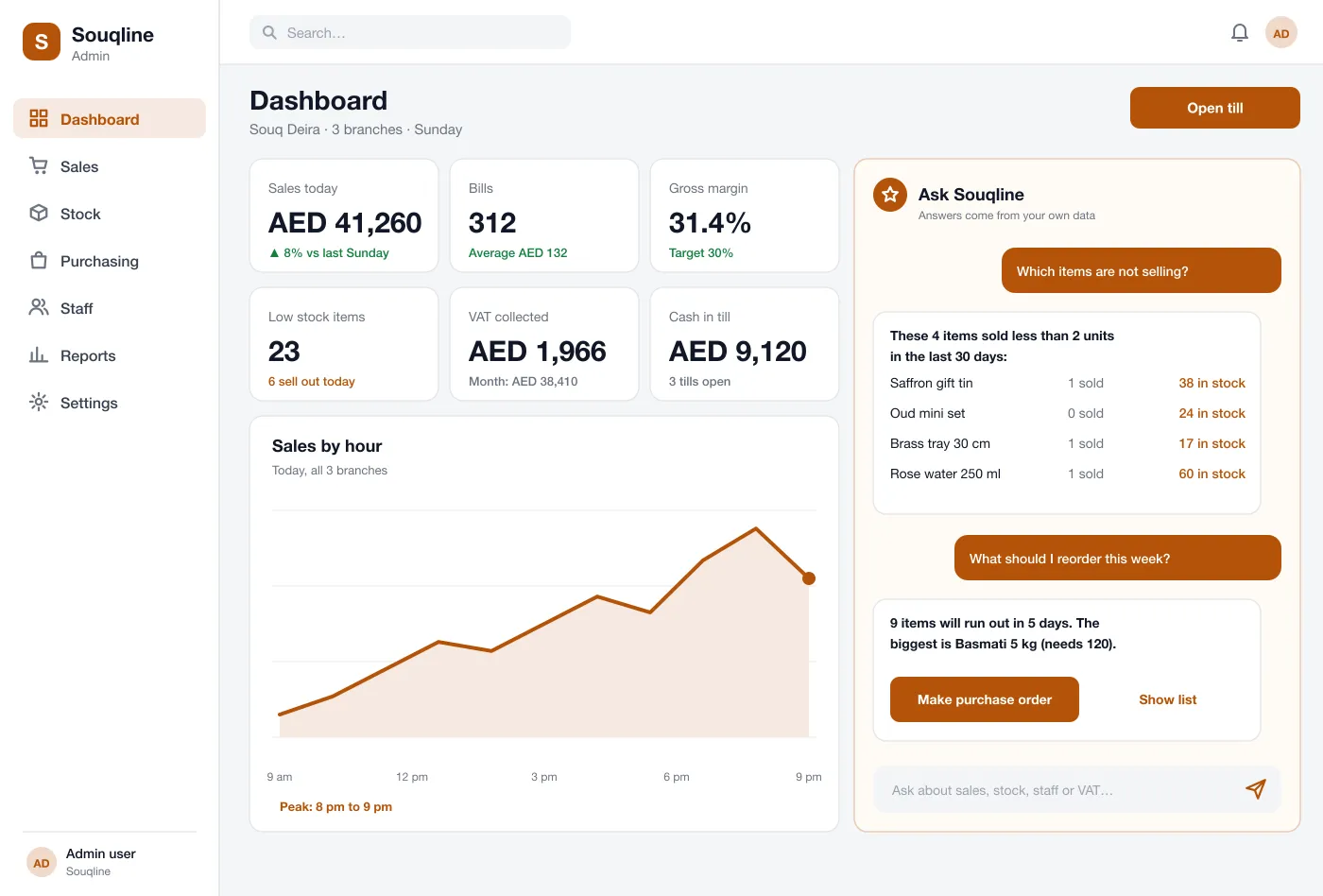
Platecheck is a cloud kitchen quality control app designed and built by our team. Staff tick hygiene checks and photograph dishes on every shift, and the head office sees a scorecard for each outlet with the photo proof behind every score.
Platecheck was designed and built by the PRS CloudTech team.
The brief
A cloud kitchen brand may cook from five, ten or twenty kitchens, and the customer expects the same dish from each. The owner cannot stand in every kitchen on every shift.
Checks are often done on paper or in chat groups. Photos get lost, a missed check goes unnoticed, and a problem is found only when a customer complains.
Same checks everywhere
Every kitchen should follow the same hygiene list and the same dish standard.
Proof, not promises
A tick is not enough. The head office wants to see a photo for the checks that matter.
Catch problems on the day
A fridge that is too warm needs a fix this shift, not next week.
Compare outlets fairly
The owner needs one score for each kitchen, with the reasons behind it.
What we designed
These are the six main parts of Platecheck.
Each shift starts with a list, such as opening, mid-shift and closing checks. Staff tick the items, and the app shows how much is left and by what time it must be done.
The head office marks which checks need a photo, for example the fridge, the hand wash station or the packing bench. The photo is stamped with the time and the name of the person who took it.
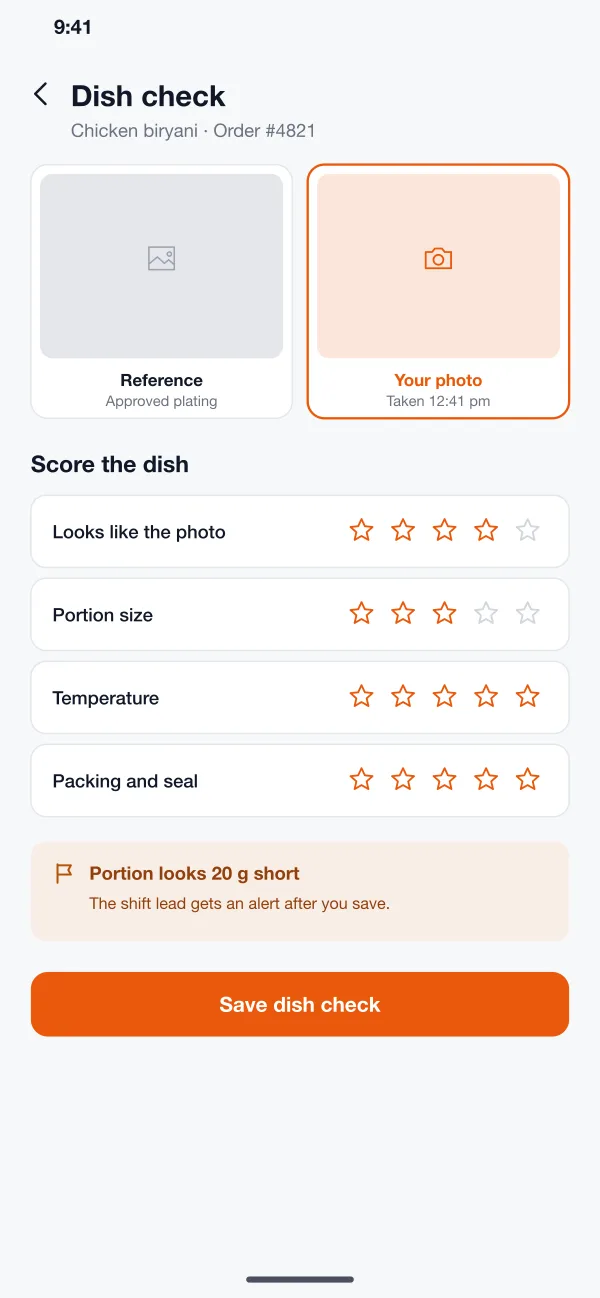
For a sample of orders, staff compare the plated dish with the reference photo and score the look, portion, temperature and packing. A gap is flagged to the shift lead straight away.
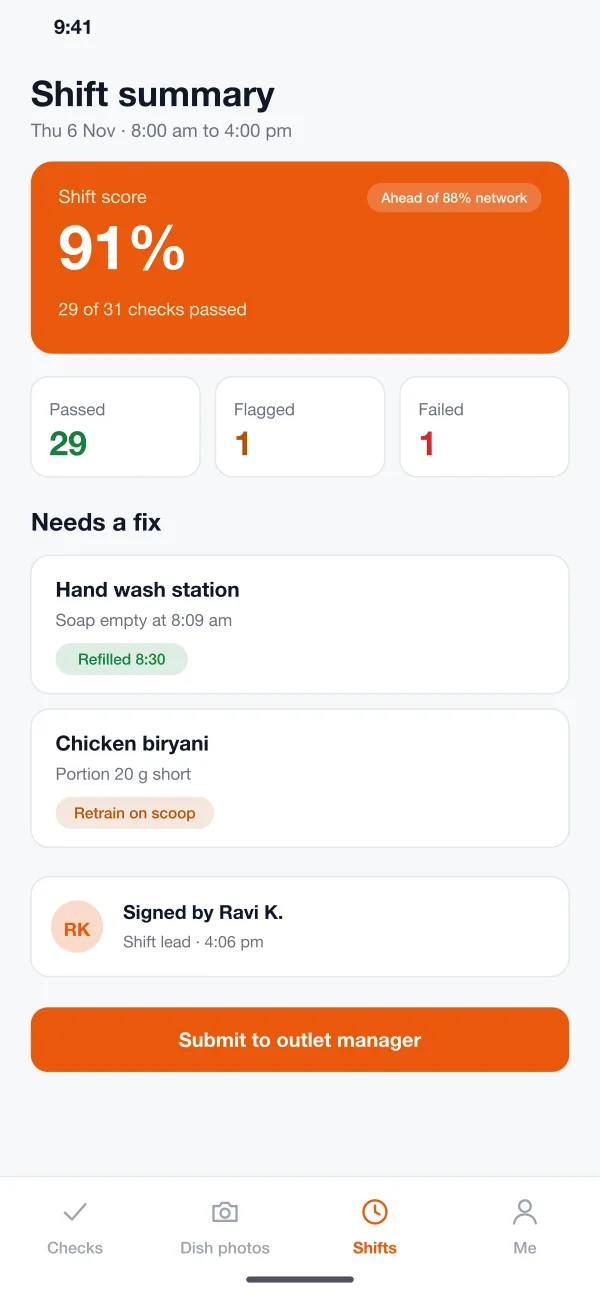
A failed item, such as an empty soap dispenser, sends an alert to the outlet manager. The item stays open until someone fixes it and adds a note or a photo.
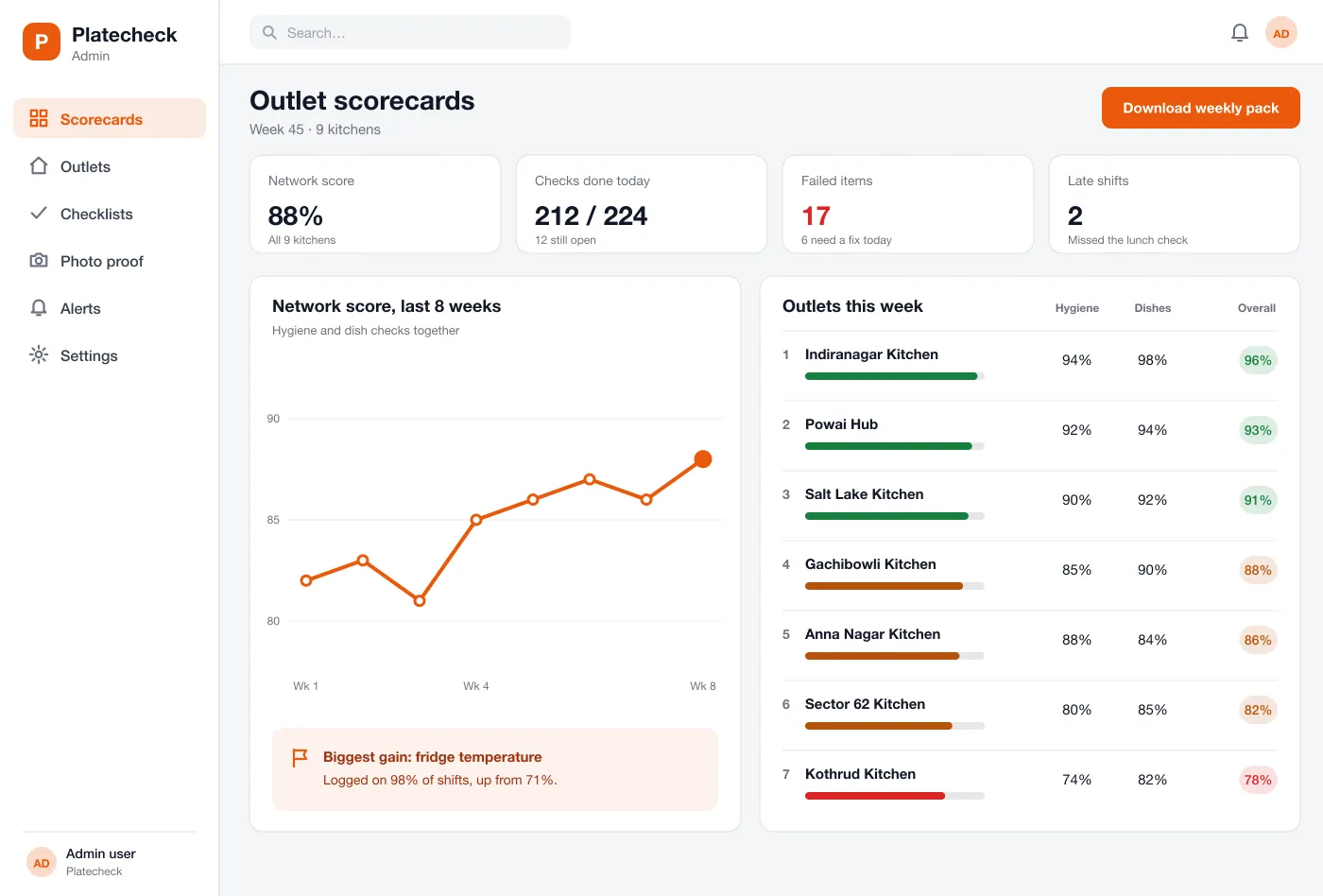
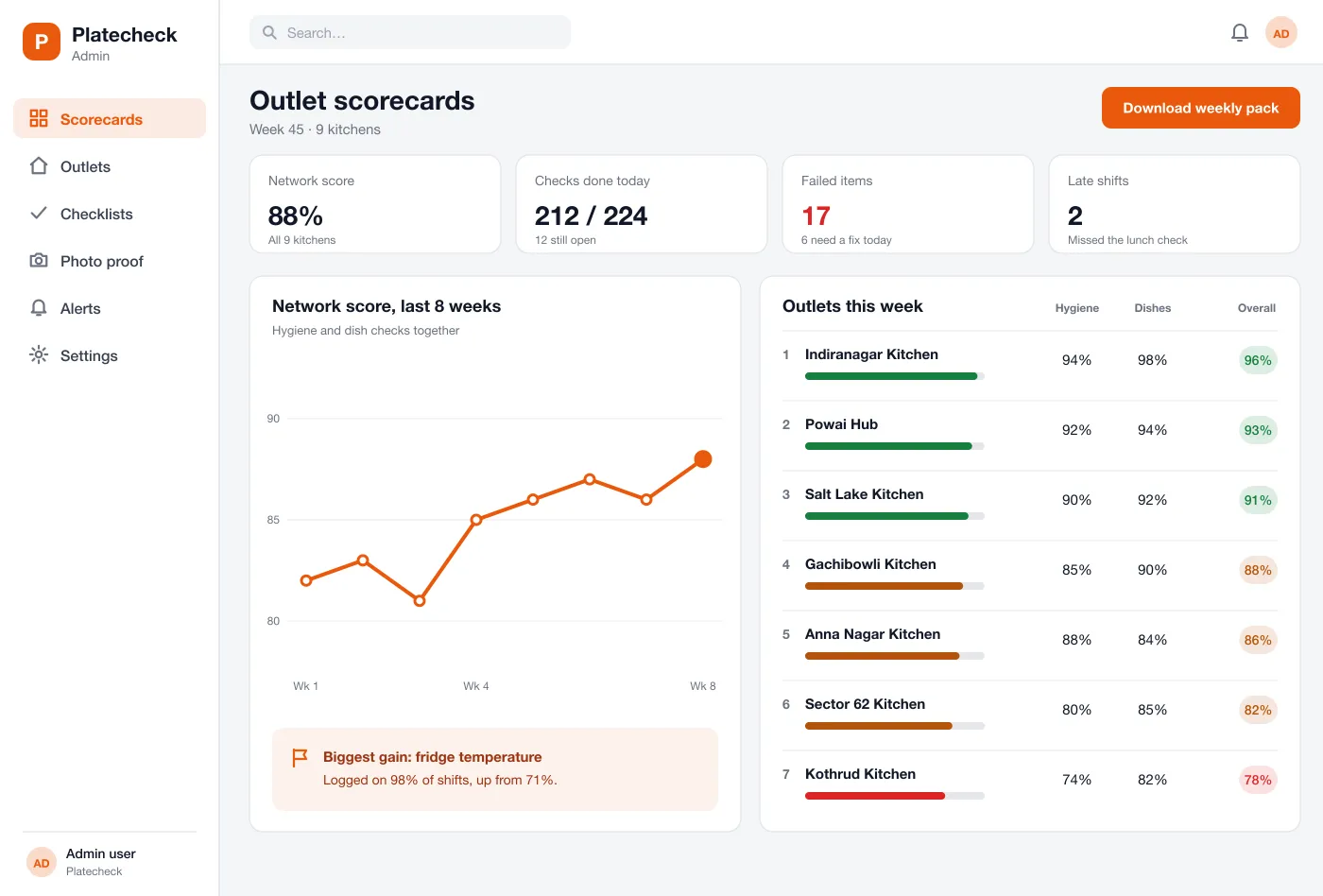
The dashboard ranks every kitchen by its score and splits it into hygiene and dishes. A weekly line shows whether the network is getting better or worse.
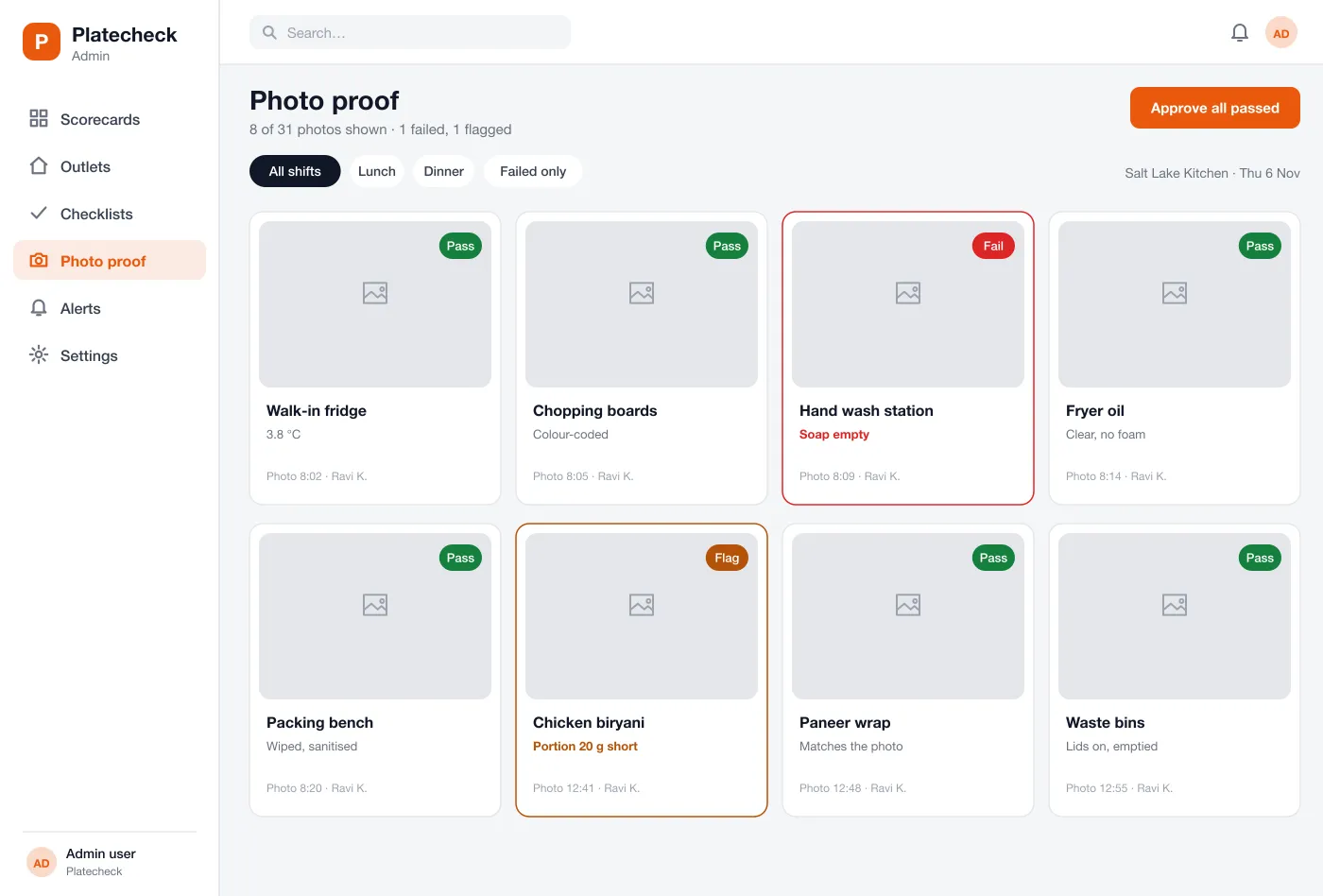
The reviewer sees the photos from a shift in one grid. Each can be passed, flagged or sent back, and the weekly pack can be downloaded for audits.
Screens
The mobile app
How it works
Here is how the main tasks work in Platecheck, from the first check of the day to the weekly review.
Open the kitchen
The shift lead runs the opening checklist, takes the required photos and sees the one item that still needs a fix.
Check a dish
A cook compares a plated dish with the reference photo, scores it and saves. A short portion is flagged to the lead.
Close the shift
The lead reviews the shift summary, signs it and sends it to the outlet manager.
Review the network
The head office reads the scorecards, opens the photos behind a low score and sends an item back for a fix.
Suggested technology
What we would deliver
FAQ
It is software that helps a food brand run the same checks in every kitchen. Staff tick a checklist each shift and photograph dishes. The head office sees scores and photos for all outlets in one place.
Yes. Staff can sign in with a short PIN on one shared tablet or phone per kitchen, so each check still shows who did it. Photos and ticks are saved on the device if the internet drops and sent when it comes back.
Yes. We can build the web dashboard and a staff app for Android and iOS, with your own checklists, dish standards and scoring rules.
Each dish has a reference photo and a short list of things to score, such as portion, look and temperature. The staff member takes a photo, scores the dish and any gap is flagged to the shift lead.
No. Every checklist has a time window. If it is not finished in time, the shift shows as late on the dashboard and the outlet manager gets an alert.
Tell us who will use it and what it must do. We will reply with a plan, a timeline and a price.